How to get the most out of Prepster
Six small habits that turn a good plan into a great week.
Set your tastes, once
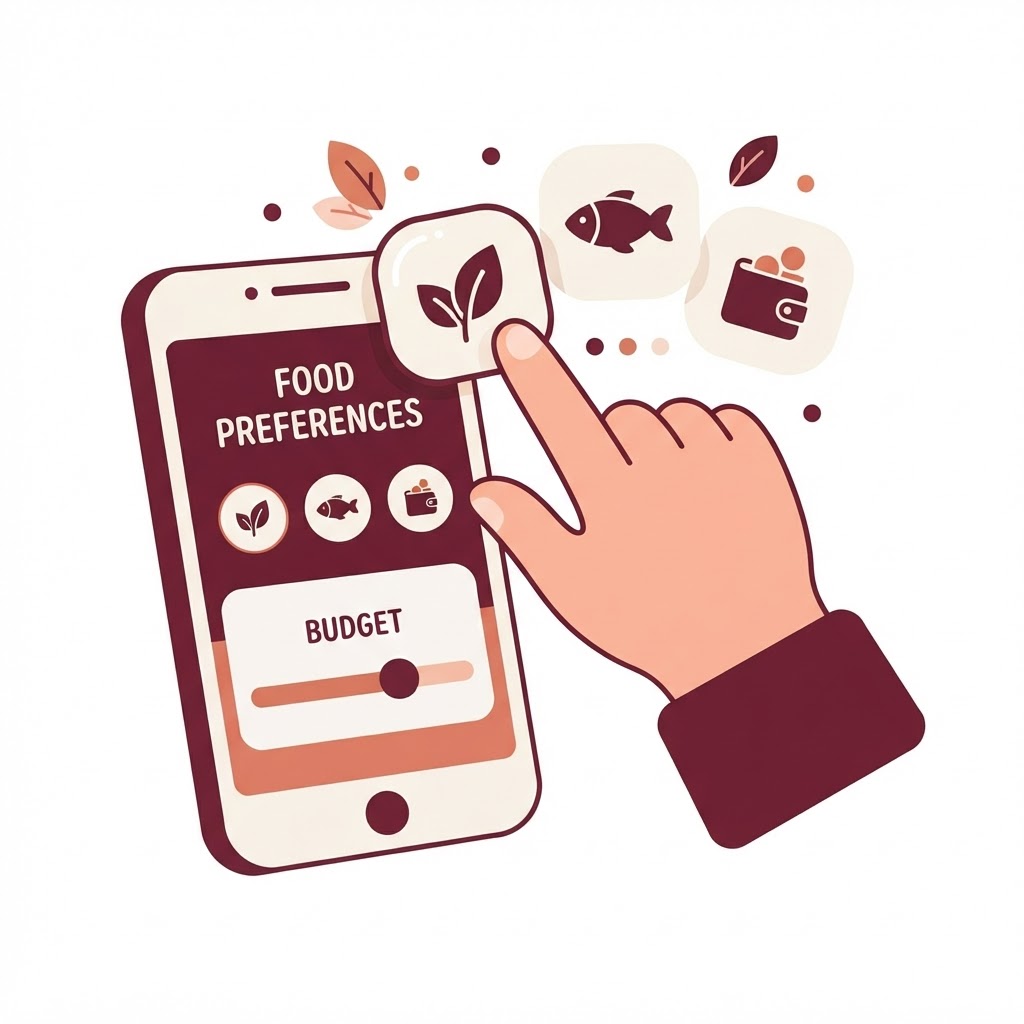
Two minutes in Preferences and Prepster knows your household, budget, and cravings. Tweak it whenever life changes — your plans follow.
Open Preferences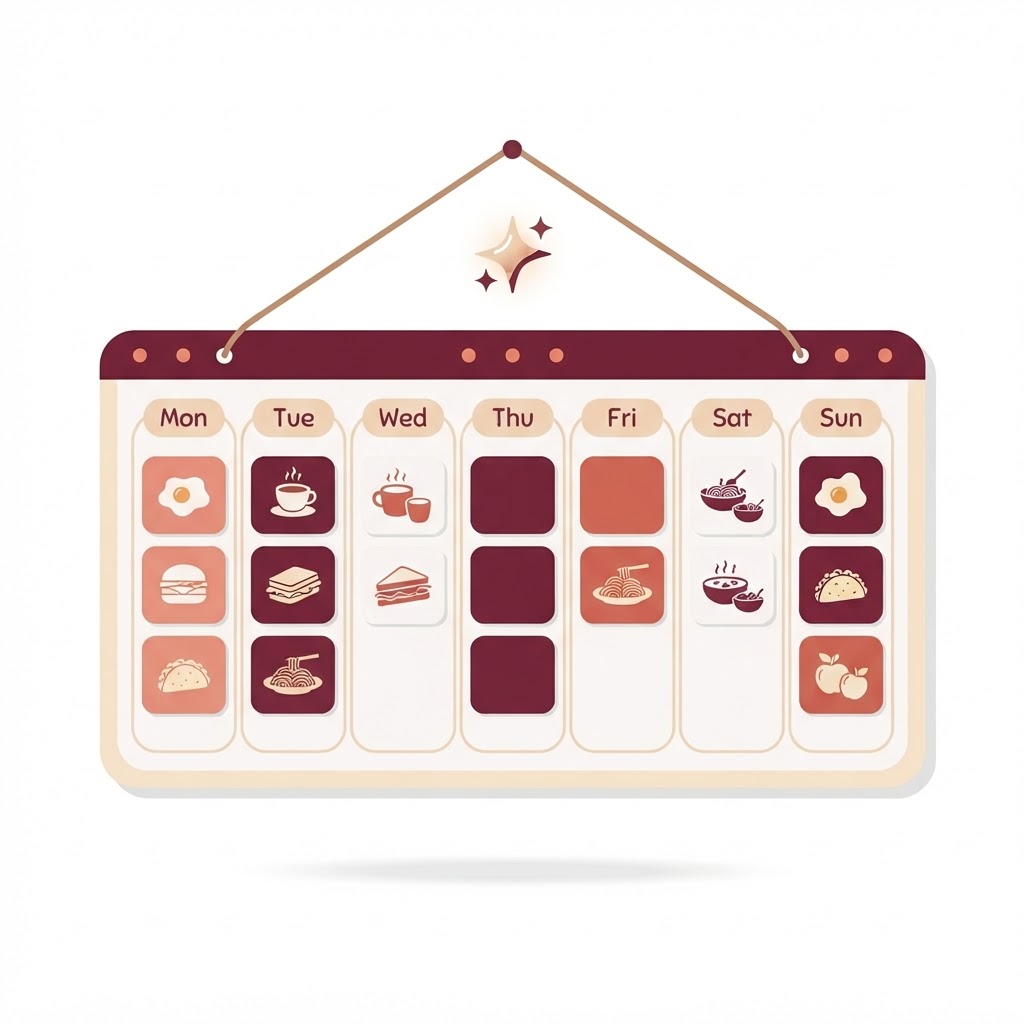
Generate your week
Answer a few quick questions and get 20+ meals with macros, costs, and prep times. It takes about 90 seconds — then the week is handled.
Build my plan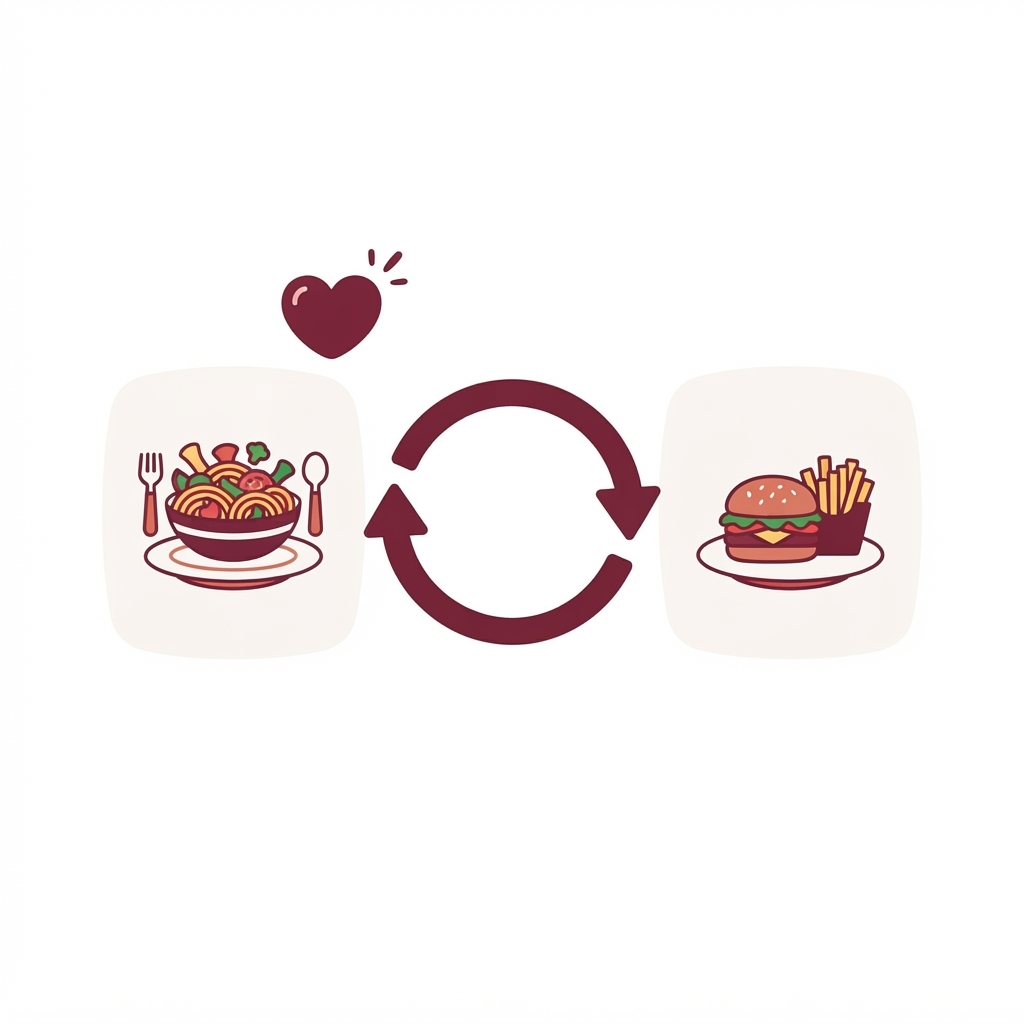
Make the plan yours
Not feeling Tuesday's dinner? Swap it in one tap, and heart the meals you want to see again. Prepster learns what you love as you go.
Open My Plan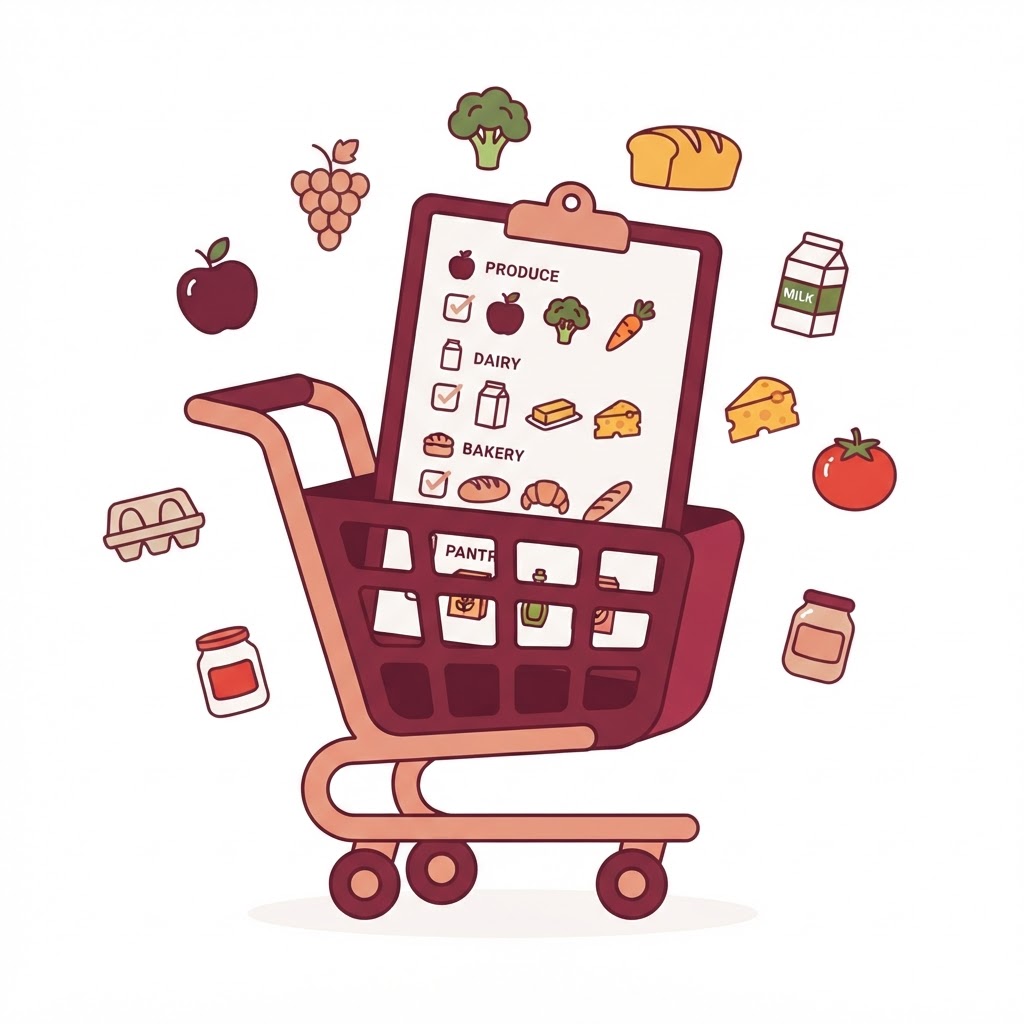
Shop straight from the list
Your list is sorted by aisle and skips what's already in your pantry. Need a few extras, or want to fix a quantity? Tap + Add Item or the pencil to edit any line — the running total updates live.
Open Grocery List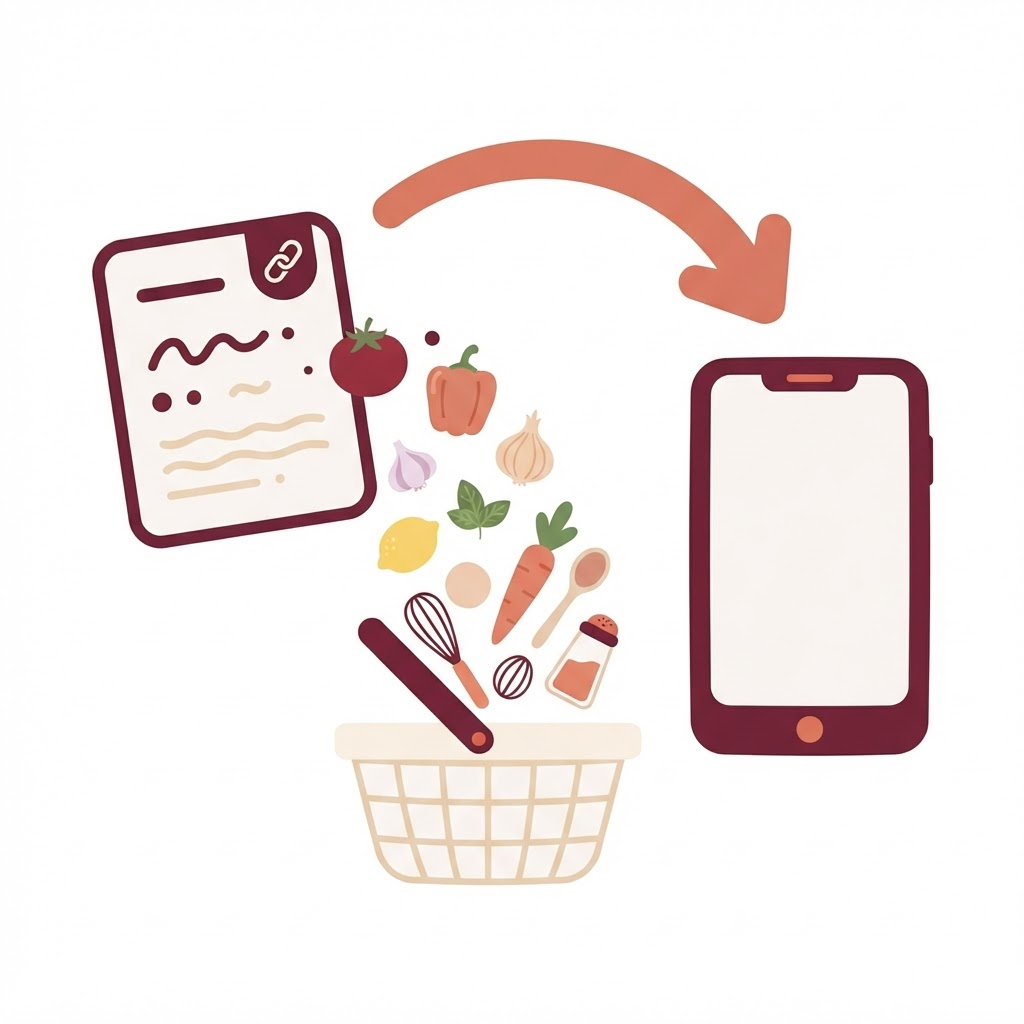
Add your own recipes
Paste a link from any recipe site or type in a family favorite — Prepster reads it and saves the whole recipe. Add it to a day and every ingredient lands on your grocery list automatically.
Import a recipe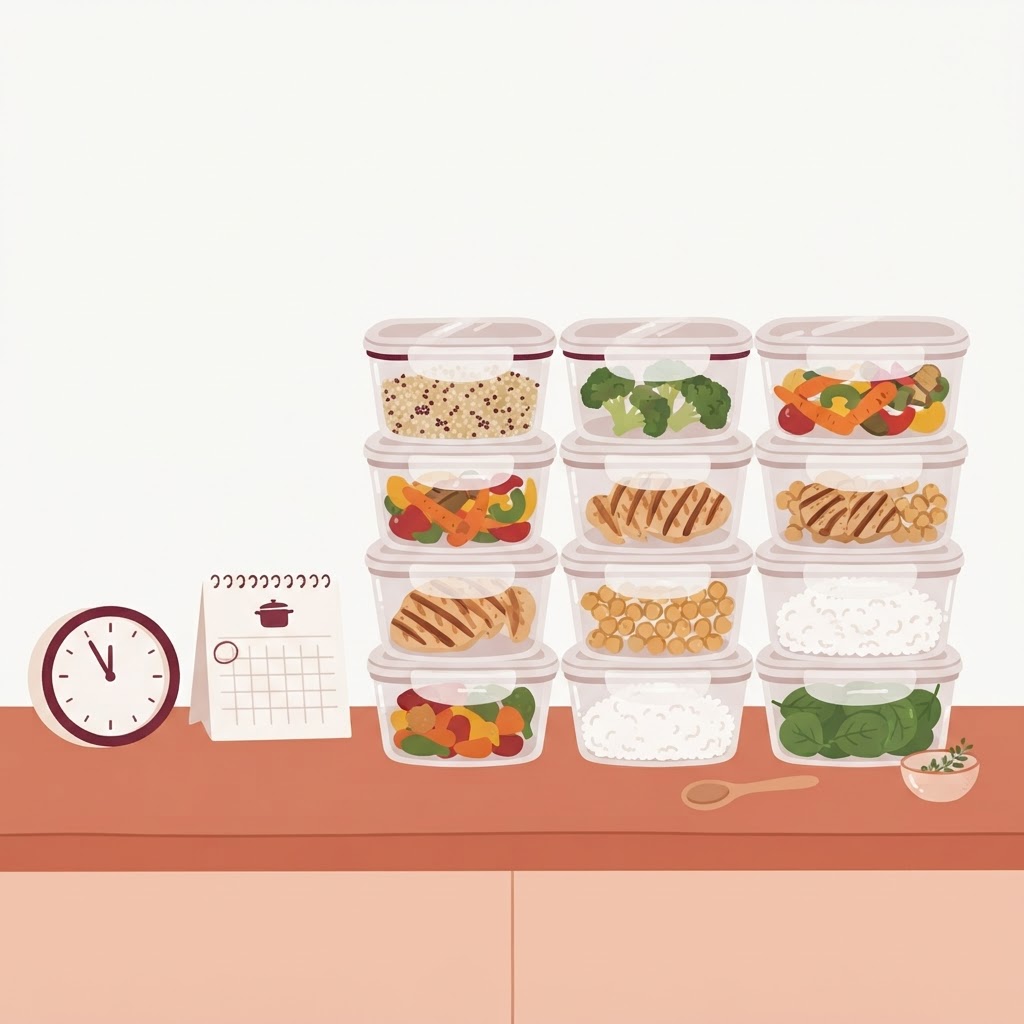
Prep once, coast all week
Follow the Sunday prep plan to batch-cook the base of every meal. Then dinner becomes a 10-minute finish, not a 45-minute scramble.
Open Prep PlanPro tips
Little habits, big payoff
Check your pantry first
Tag what you already have and it gets skipped on the list automatically.
Busy week? Low Effort Mode
Flip it on in Preferences for minimal-prep, minimal-cleanup meals.
Rate and favorite
Your ratings and favorites teach Prepster exactly what to repeat.